How to share wedding photos with your guests
Published on August 5, 2026 · The Fotelya team
Five methods exist, they are not all equal, and the right choice depends mainly on the number of guests and your tolerance for loss. Here is the short answer, followed by the details of each one.
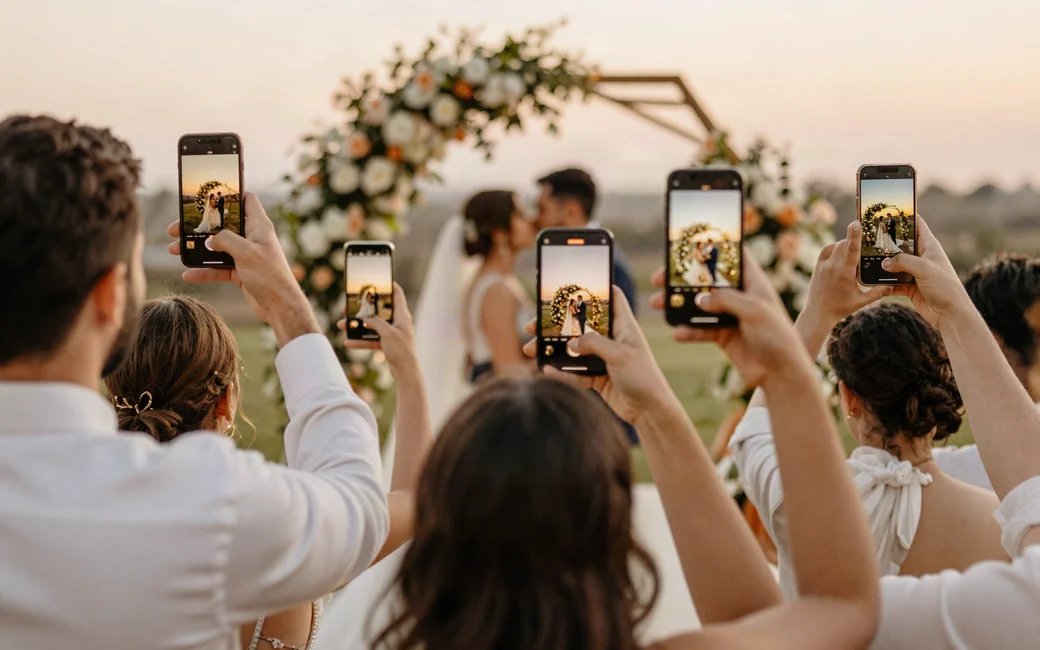
The short answer
For a wedding with fewer than thirty very close people, a messaging group is enough, provided you accept compressed photos. Between thirty and one hundred fifty guests, an online album accessible via QR code is the only method that works: it requires no account, no app, no manual collection, and preserves the original quality. A shared folder on a storage service also works, but it requires your guests to have an account, which half of them won’t want to create on the same evening.
The question to ask yourself is not which solution is the best, but which one will actually be used by the 68-year-old aunt who has a recent phone and no patience.
The volume you will receive, in real life
Count between ten and thirty photos per active guest. For one hundred guests, assuming half participate, that’s about one thousand files. A photo from a recent phone weighs between three and five megabytes, a one-minute video between fifty and one hundred fifty.
You’re looking at four or five gigabytes of photos, to which videos will add half of the total volume. This figure immediately disqualifies email and makes a USB key laughable.
The five methods, without compromise
1. The messaging group
It’s the natural reflex, and for a small group it’s defensible: everyone knows how to use it, no one has to install anything.
Two flaws, with no remedy. The first is compression: most messaging apps reduce images to a fraction of their original size to save bandwidth. This isn’t noticeable on a phone screen but is very noticeable on a framed print. The second is the mix: your photos get lost in messages, thank-yous, and jokes, and no one will ever extract them one by one.
Some messaging apps allow sending in original quality, but you have to request it each time, and your guests won’t do it.
2. The shared folder on a storage service
Quality is preserved and space is comfortable. On paper, it’s appealing.
The human obstacle: uploading a file to a shared folder usually requires an account, an installed app, and a process that many guests won’t complete while standing, holding a glass, at eleven p.m. You’ll get photos from the most tech-savvy guests, and nothing from the others.
Another underestimated drawback: an open folder in write mode can also be emptied by mistake. All it takes is one guest who tidies up their phone.
3. Manual collection after the wedding
You ask each guest to send their photos within the week. It’s free and requires no preparation.
It’s also the method that loses the most. A guest’s enthusiasm fades within forty-eight hours; after a week, you have to follow up, and the follow-up feels like asking for something. You’ll receive photos from the three most organized people in your circle, and the rest will disappear into film rolls no one will ever open again.
4. The photo booth
It creates instant memories and is a lot of fun. It doesn’t answer the question here: it captures what happens in front of it, in a corner of the room, not what your guests saw from their table. The two complement each other; one doesn’t replace the other. We detail this point in our comparison of alternatives to the photo booth.
5. The online album via QR code
You create an album, get a QR code, and print it on the tables. Your guests scan it with their phone’s camera, the album opens in their browser, and they upload their photos. No account, no app, no password.
It’s the only method that meets all three constraints at once: quality preserved, no friction for the guest, and collection at the moment the desire strikes. Its only real drawback is its cost: full plans are usually in the same price range as a centerpiece.
The comparison
| Method | Quality preserved | Effort for the guest | What you lose |
|---|---|---|---|
| Messaging group | No compression | None | The definition, and photos lost in the conversation |
| Shared folder | Yes | High: account and application | The least tech-savvy guests, which is the majority |
| Manual collection | Variable | Low but delayed | The essential: forgetting makes the selection |
| Photo booth | Yes | None | Everything that happens outside the photo booth area |
| Album via QR code | Yes | None: scan then upload | Nothing, apart from the plan cost |
Three decisions that matter more than the method
Make sharing visible during the event
A solution that no one notices collects nothing. The QR code should be where people stop: on tables, near the guestbook, at the entrance. An announcement over the microphone during dinner is better than ten posters, and a screen displaying photos in real time constantly reminds guests that the album exists.
Tell guests what to photograph
This is the most underestimated lever. A guest given a specific instruction will send photos; a guest asked to share hesitates. We’ve compiled lists that work in our guide to wedding photo challenges.
Download early, and twice
Regardless of the solution, retrieve a first complete archive the day after the event, then a second one a week later for latecomers. Most services have a limited retention period, and it’s always the delayed download that gets lost.
What no one tells you about your guests’ photos
Your guests’ images are personal data. In practice, for a wedding, this means three simple precautions.
The album must remain private. A link accessible to anyone who guesses it exposes your loved ones without their consent. An album not indexed by search engines and protected by a code is the minimum.
Everyone must be able to request photo removal. A guest who is poorly framed, or whose child appears, must have a simple way to report it.
Removal must be dated and effective. A serious service states how long it actually keeps and deletes data afterward. The hosting location also matters: hosting within the European Union spares you from worrying about data transfers. We detail these points in our article on photo albums and privacy.
Depending on the size of your wedding
| Number of guests | What’s enough | Why |
|---|---|---|
| Fewer than 30, very close friends and family | Messaging group | Everyone knows each other, the volume remains low, compression is forgivable |
| 30 to 80 | Album via QR code | Too many people for manual collection, too much technical disparity for a shared folder |
| 80 to 200 | Album via QR code, with screen | The volume becomes unmanageable otherwise, and the screen keeps participation going all evening long |
| Guests from multiple countries | Multilingual album | A rule that people don’t understand is never followed |