Sharing photos at corporate events: seminar, evening, trade show
A successful annual party, a polished seminar, an animated booth: your employees and guests take dozens of photos that the company never recovers. A shared album via QR code solves the problem, provided three conditions specific to the professional world are met: zero friction for participants, flawless brand image, and a personal data file that holds up. Here’s how to do it.
Why collect photos from your internal events
Photos from a corporate event have a second life: internal communication, company social network, employer branding, summary sent to participants, material for future invitations. The catch is retrieving them: without a shared tool, they remain scattered across phones.
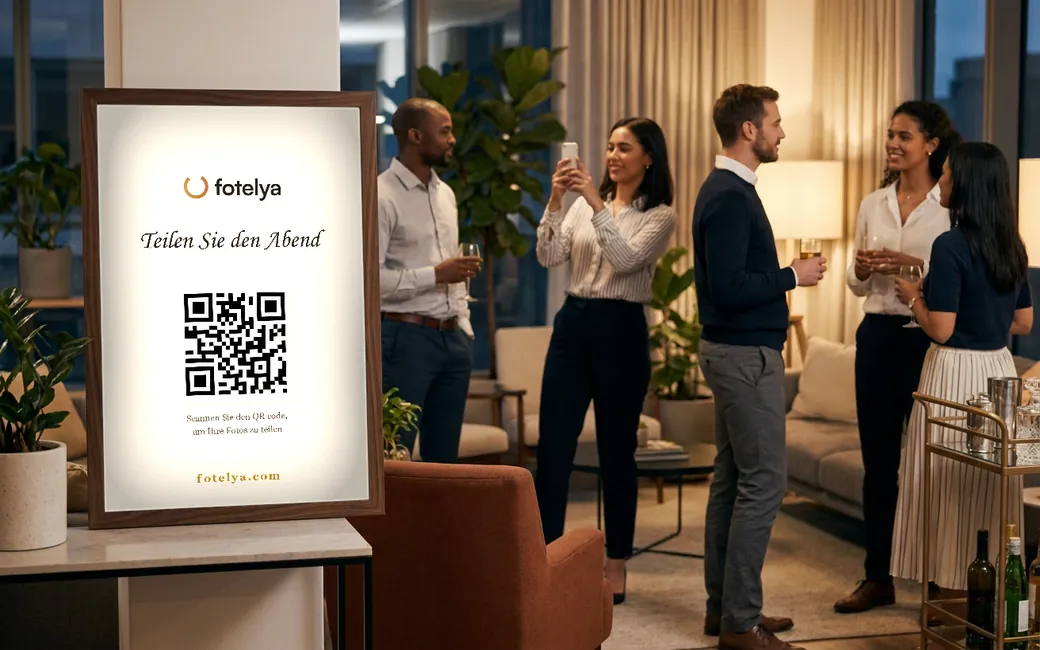
The shared album flips the script: a QR code displayed on tables or the booth, and each participant uploads their photos to a single space that the communications team can retrieve with a single click at the end.
No app: the participation condition
In a company setting even more than in a family, no one installs an app for a one-night event, and professional phones are often locked down by the IT department. Sharing must go through the browser: scan the QR code, select photos, send. No account, no installation, no identification data requested from participants.
This no-account approach delivers immediate compliance benefits: the service does not collect employee credentials, simplifying the analysis for your data protection officer.
Brand image: customization and white labeling
A corporate event projects your brand: the gallery, the QR poster, and the wall must carry your colors, not those of a generic tool. Look for a service that lets you customize the theme, name, and accent colors.
For agencies, event venues, and companies hosting clients, white labeling goes further: the tool’s logo and name disappear behind yours. At Fotelya, white labeling (your logo, your name, your color) is available in the Premium plan and included in the PRO offer.
Moderation: protecting the brand while letting the party live on
On a wall projected during a plenary session or at a booth, a single misplaced image stands out. The solution isn’t to ban content but to moderate it: AI-assisted moderation filters out problematic content upfront, the organizer has the final say (restore or delete in one click), and each participant has a reporting button.
At Fotelya, this moderation is controlled by the organizer (disabled, standard, or strict) and the analysis is performed by a European AI: the photos from your event are not sent to services outside the European Union for analysis.
GDPR and data: the file that reassures your DPO
Photos of employees are personal data. Three points make all the difference in the analysis: the hosting location (preferably the European Union), the retention period (automatic deletion after the event avoids wild archiving), and data minimization (no participant account, no extraneous data).
Then there’s the right to image, which depends on your organization: inform participants that photos will be taken and shared. A consent text displayed at the time of scanning, before any upload, formalizes this information in the right place. This article is an overview, not legal advice: your DPO or lawyer remains the reference contact.
Multi-events: the plan that follows your calendar
A company or agency doesn’t organize one event but an entire calendar: back-to-school seminar, New Year’s wishes, trade shows, after-work events. Paying per event quickly becomes absurd. That’s where a subscription plan comes in: at Fotelya, the PRO plan (€39 per month) covers unlimited events with Premium features, including white labeling.
The formats that work, by event type
- Seminar : cinematic-style photo wall during plenary sessions and breaks; the album later serves as a summary sent to participants.
- Annual party : polaroid-style wall near the bar, photo challenges to kick off the evening, guestbook for messages to teams.
- Trade show or conference : mosaic on the booth screen, fed by visitors; the QR code becomes a contact point.
- Team building : team photo challenges, shared gallery at the end of the day.