Photo album · In memory
Gather the pictures and memories you wish to share.
Each person holds photographs and words of their own. An album brings them together in memory of someone special.
Create a memorial album and send its link or QR code to those who wish to contribute. Loved ones can upload pictures from a browser during the chosen period. The Event plan also lets them add video memories. The family can revisit those memories in its own time.
Sky combines the Minimal palette with editorial typography. Its light tones and simple composition give the gallery and poster a quiet setting for the pictures and memories loved ones choose to share.
- Minimal
- Memory
The Sky design styles the gallery and poster. Choose a design in the gallery settings.
Your album, in every format
Mobile gallery
QR poster
Table card
Plans and pricing
Start creating the album on the free plan. Event adds videos, the live wall and a ZIP download. Each plan has its own retention period.
- Gallery via QR code
- Live wall · Event
- ZIP download · Event
- Free
- Free €0
- Time online 30 days
- Event
- Event €49
- Time online 6 months
- Storage 25 GiB
- Premium
- Premium €89
- Time online 12 months
- Pro
- Pro €39 per month
- Time online 3 months
The designs
Bringing scattered memories together
When remembering someone, each person may hold pictures from different periods of their life. A shared space can bring these fragments together. Send the link to loved ones who wish to contribute during the upload period. Each person remains free to choose what they would like to share, creating a thoughtful portrait of a life. A familiar image can prompt a personal memory.
How Fotelya works
Create and share the link
Create the memorial album, then send its link or QR code to loved ones. Add a personal note if you wish.
Collect the pictures
Each person chooses photos and uploads them from a browser during the chosen period.
Revisit the memories
Browse the collected memories and download the ZIP with Event. The family can return to them in its own time.
What you get
- Shared perspectives: guests can add their photos and memories to one album during the upload period.
- QR code: guests can scan the code at the gathering to open the gallery.
- Memories on screen: with Event, the live wall displays photos shared by loved ones.
Moments not to miss
A memorial takes the form loved ones choose. Older photographs can sit alongside pictures of time spent together.
- Older photographs Pictures from years past recall different stages of life.
- A familiar place A landscape or home can bring shared routines to mind.
- Objects with a story A treasured object can carry a personal story.
- Loved ones together Their presence recalls relationships built over time.
- Written words A few lines can convey a personal thought.
- Everyday memories Ordinary gestures belong in our memories too.
Send the link with a personal note and leave each person free to decide whether to contribute.
How many photos to expect
Everyone holds a different number of memories. Invite each person to choose the ones they would like to share.
Photo challenges
The challenges suggest pictures to share; each person remains free to choose what feels right for this memorial.
- A memory dear to you
- A shared moment
- A flower, a candle, a gesture
- Loved ones gathered
Frequently asked questions
How can we invite loved ones to contribute?
Send loved ones the link or QR code with a personal note. The gallery opens in a browser, giving them a quiet place to add the pictures they wish to offer.
Can we collect memories in video form?
The Event plan lets loved ones add videos as well as photos during the period set for the album. Each person can choose which memories they wish to contribute.
Do loved ones need to install an app?
The link or QR code opens the gallery in a browser. There, loved ones can select photographs to share in their own time, without installing an application.
Can we add an access code?
You can add an access code to the gallery. Share the link and code only with the people concerned.
How can we collect messages for the family?
The guestbook lets loved ones leave written messages. Voice messages are available with the Premium plan.
You may also like
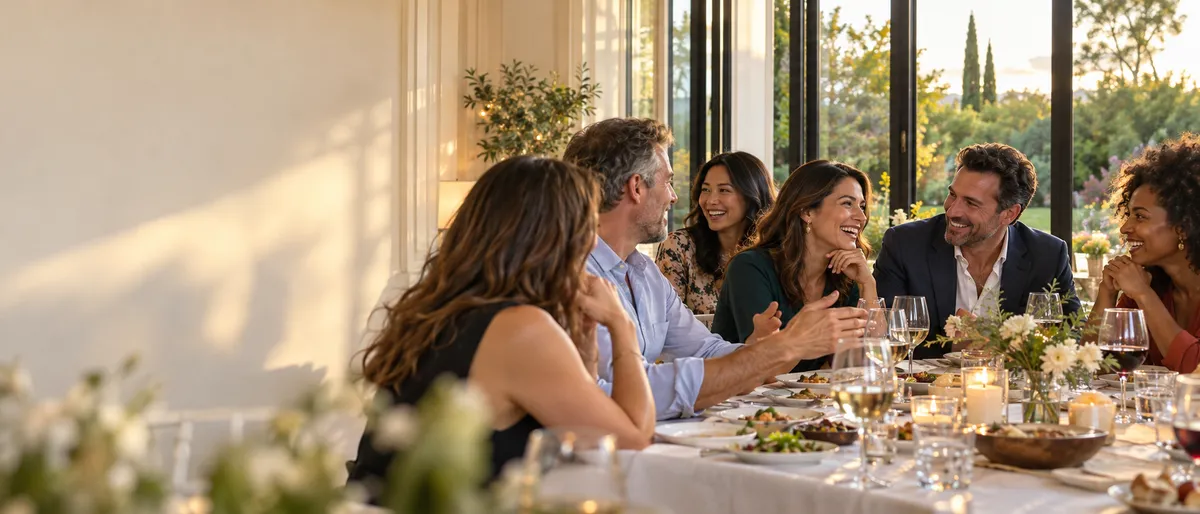
Reunions
For a family or friends’ reunion, create a Fotelya album and share its link or QR code. Loved ones can upload photos from a browser during the upload period. Digitised archive pictures can join the photos taken on the day.
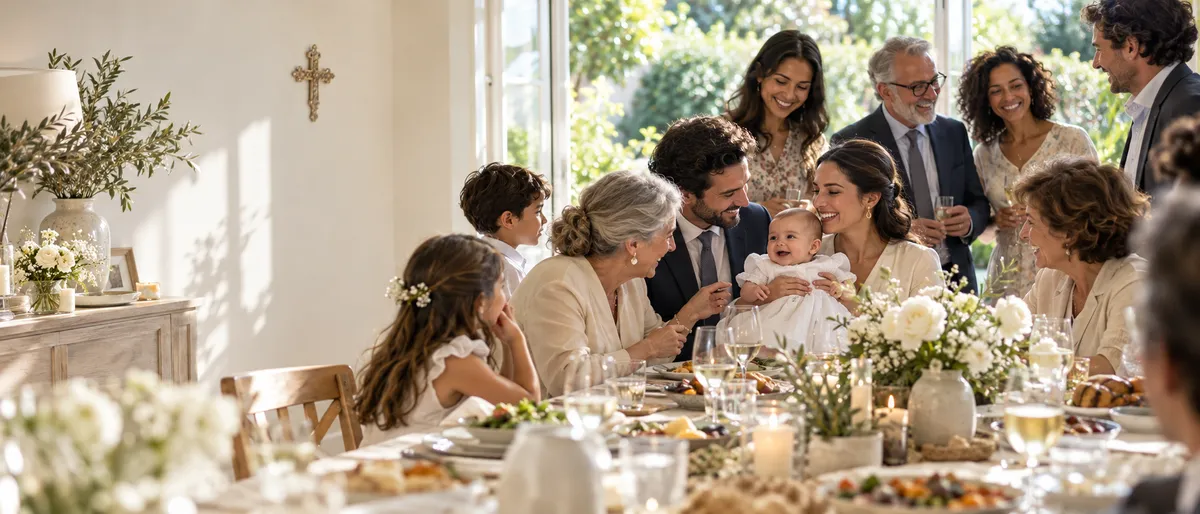
Religious celebration
Create an album for your family celebration and send its link or QR code to loved ones. They can add photos from a browser during the upload period, bringing different generations’ pictures together. Event also allows video uploads.
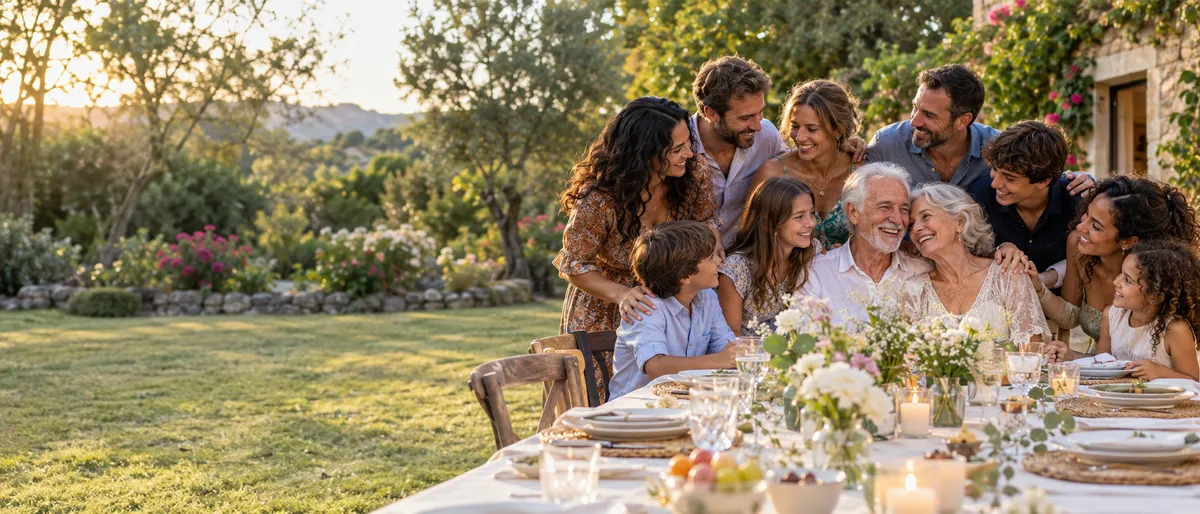
Wedding anniversary
Fotelya gathers anniversary celebration photos in a shared album. Place the QR code near the tables so family and friends can add their pictures from a browser. Older prints can join the memories of the meal once they have been photographed.