Photo album · Wedding anniversary
A lifetime of love, celebrated across generations.
Family and friends come together to celebrate their story. Gather the pictures of their anniversary.
Fotelya gathers anniversary celebration photos in a shared album. Place the QR code near the tables so family and friends can add their pictures from a browser. Older prints can join the memories of the meal once they have been photographed.
Golden Years combines a classic palette with serif lettering. Its warm mood suits a family gathering where portraits from years ago sit alongside pictures of the celebration. The design carries through to the poster and wall.
- Warm
- Family
The gallery and poster carry the Golden Years design through to your family celebration.
Your album, in every format
Mobile gallery
QR poster
Table card
Plans and pricing
Start for free. The Event plan gives you guest videos, the live wall and a ZIP download of the album.
- Gallery via QR code
- Live wall · Event
- ZIP download · Event
- Free
- Free €0
- Time online 30 days
- Event
- Event €49
- Time online 6 months
- Storage 25 GiB
- Premium
- Premium €89
- Time online 12 months
- Pro
- Pro €39 per month
- Time online 3 months
The designs
Bringing the family story together
At a wedding decades ago, a photographer and a few rolls of film captured the day. Today every guest carries a camera, yet without a shared album the pictures can still end up scattered, and the couple may see only a few. A silver, golden or diamond anniversary is a chance to bring the family’s perspectives together alongside older memories. Each generation can add its own view of the day.
How Fotelya works
A QR code at the meal
Create the album and put the QR code on the tables so each generation can scan it.
Today and the archives
Gather photos of the celebration alongside older wedding pictures photographed at the event.
An album for the whole story
From old photographs to the youngest generation, bring different chapters of a shared life together.
What you get
- Shared perspectives: guests can add photos of the family reunion to one album during the upload period.
- Gallery access: the QR code on the dining tables takes loved ones to the album.
- Memories on screen: with the Event plan, the live wall shows photos of the toasts to the couple.
Moments not to miss
At a silver, golden or diamond anniversary, the family comes together and old photographs come out again.
- Old photographs Photograph the prints the family would like to share.
- The gathering Generations together, sometimes a rare occasion.
- The meal and speeches Words from children and grandchildren on this special day.
- The group photo A picture to frame and treasure.
- Portraits of the couple Take time for a portrait of the couple surrounded by objects that matter to them.
- Conversations During the meal, stories and familiar gestures deserve a place among the memories too.
Invite loved ones to add older photos too, creating a record the family can share.
How many photos to expect
The number of photos depends on how much people choose to share. Choose your plan according to the space needed for the files you want to collect.
Photo challenges
Invite the generations gathered together to photograph their reunion and the details that tell your story.
- A selfie with the newlyweds
- A photo on the dance floor
- A decor detail you love
- A group photo of your table
- A stolen moment of emotion
- The funniest photo of the night
Frequently asked questions
How can we combine old wedding photos with new ones?
Bring the original albums to the celebration. Guests can photograph the pages that move them, and add those images to the shared album alongside pictures from the day.
Can older family members take part?
Family and friends open the gallery using the QR code and choose photos on their phones. You can help anyone who would prefer some assistance. They can choose which pictures to share.
Can we collect messages for the couple?
If the guestbook is enabled, loved ones can leave a written message. Voice messages are available with Premium, so the family can add personal words alongside the pictures.
Is the album private?
The link or QR code gives access to the gallery. You can add an access code and choose whom to share the link with.
How do we add an older memory to the album?
Photograph a print or an album page with your phone, then choose that picture in the gallery opened via the QR code. Guests can do the same with items they wish to share.
You may also like
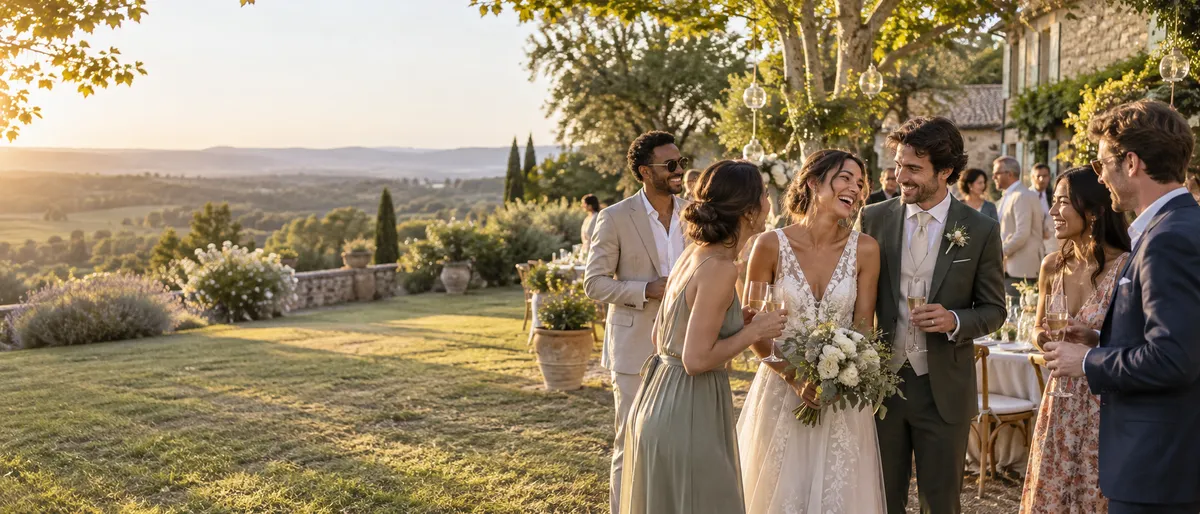
Wedding
Fotelya brings your guests’ photos together in a shared album, accessible via a QR code. Place it on your tables so everyone can share pictures from their browser. The Event plan adds video uploads and a live wall for your venue.
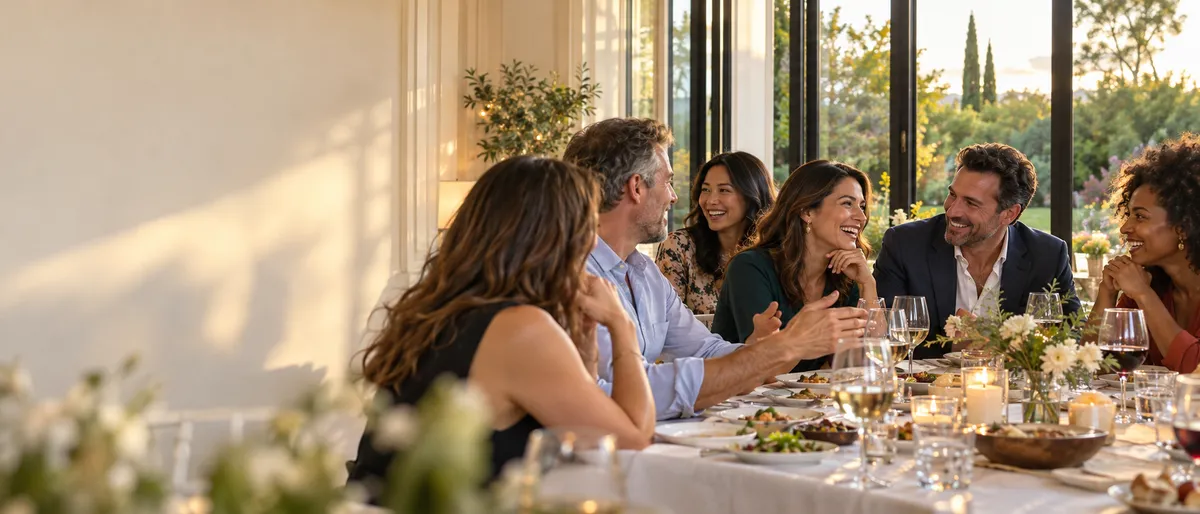
Reunions
For a family or friends’ reunion, create a Fotelya album and share its link or QR code. Loved ones can upload photos from a browser during the upload period. Digitised archive pictures can join the photos taken on the day.

Engagement
Create an album for your engagement party and send its link or QR code to family and friends. They can upload photos from a browser during the chosen period. Videos can also be added with the Event plan. Everyone chooses which pictures to share.