Photo album · Christening
Christening memories, from ceremony to family table.
From the ceremony to the meal, your loved ones capture the day. Bring their perspectives together for the family.
For a christening, Fotelya gathers photos of the ceremony and meal in a shared album. Send the link to family and friends or place a QR code on the table. Everyone can choose pictures to upload from their browser as the day unfolds.
Dove combines an azure palette with a serif typeface and a minimalist mood. Its design carries through from the poster to the wall, offering a simple setting for names and pictures from this family day.
- Simple
- Family
The Dove poster and gallery accompany guests from the ceremony to the family table.
Your album, in every format
Mobile gallery
QR poster
Table card
Plans and pricing
Create the album for free, then choose the Event plan if you want to collect videos or download the album as a ZIP.
- Gallery via QR code
- Live wall · Event
- ZIP download · Event
- Free
- Free €0
- Time online 30 days
- Event
- Event €49
- Time online 6 months
- Storage 25 GiB
- Premium
- Premium €89
- Time online 12 months
- Pro
- Pro €39 per month
- Time online 3 months
The designs
Bringing family photos together
A christening brings together relatives who may only see each other on special occasions, and everyone goes home with their own photos. One person has a beautiful portrait of the child, another has filmed part of the ceremony, and the pictures remain scattered. Years later, the only ones close at hand may be those from your own phone, taken while you were busy hosting.
How Fotelya works
A QR code at the ceremony and meal
Create the album and place the QR code at the entrance to the ceremony, then on the dining tables.
The whole family shares
From grandparents to teenagers, everyone can scan the code and send photos from their browser.
An album to pass along
Photos from the ceremony and meal come together in an album for the family to browse.
What you get
- Shared photos: family and friends can gather pictures from the ceremony and meal during the upload period.
- Gallery access: guests scan the QR code from the dining tables.
- Live wall: with Event, you can show the family’s shared photos on a screen.
Moments not to miss
The ceremony and family meal each offer different moments to share with loved ones.
- At the ceremony Discreet photos taken from the seats by family and friends around the room.
- The exit A much-photographed moment seen from many different places.
- The meal Generations gathered together and grandparents with the child.
- Cake and gifts Later in the day, when cameras may be put away but phones are still close at hand.
- The godparents A portrait with the child records their presence on this special day.
- Details of the day An outfit, a flower or a laid table can recall the atmosphere of the celebration later on.
A poster at the entrance to the meal or on the tables helps family and friends find the gallery.
How many photos to expect
The number of photos depends on how much people choose to share. Choose your plan according to the space needed for the files you want to collect.
Photo challenges
After the ceremony and during the meal, challenges give family and friends ideas for capturing the day from different angles.
- The brightest smile
- The cake, before and after
- A moment of play
- A family photo
- The cutest decoration
- A candid moment
Frequently asked questions
Will my grandparents be able to use it?
Family members open the gallery with the QR code and choose pictures to share from their phones. You can help anyone who needs a hand finding or scanning the code.
Can we collect photos from the ceremony and meal?
Yes. Share the link or place the QR code at the meal to invite loved ones to add pictures from different moments of the day. Guests choose which photos to share.
Can loved ones leave a message for the child?
If the guestbook is enabled, guests can leave a written message. Premium also offers voice messages. Their words sit alongside the pictures of the day.
Is the album private?
The gallery is accessible by its link or QR code. You can add an access code and share the link only with people you choose.
Where should we put the QR code at the meal?
Place it at the entrance to the room or on the dining tables. Guests scan it with their phones and choose which photos to share in the album.
You may also like
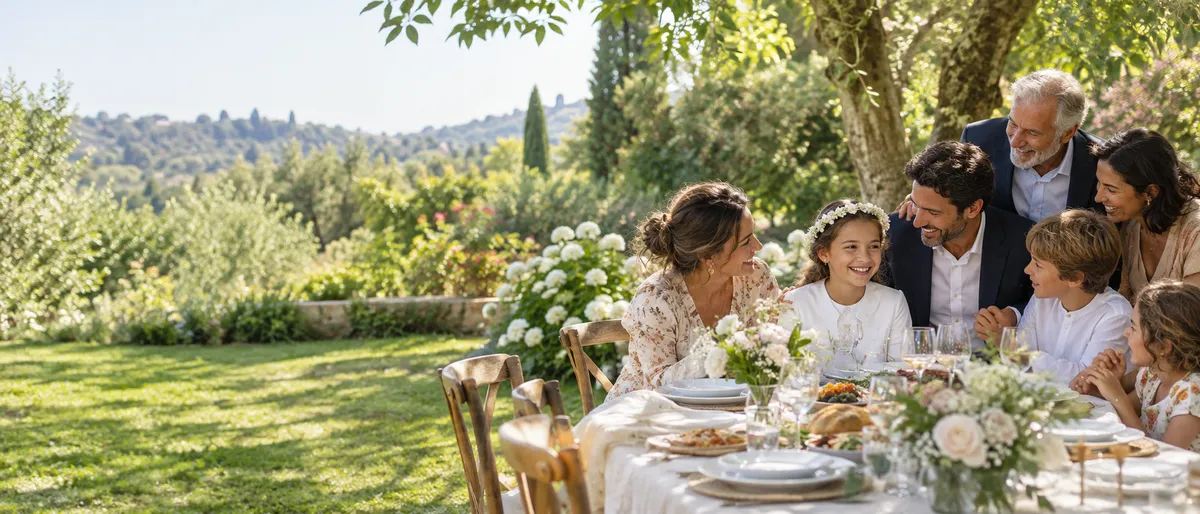
Communion
Create a shared album for your child’s communion and share its QR code with the family. Guests can add photos from their browsers, bringing ceremony and meal together. The Event plan also allows video uploads. The family can revisit the day together.
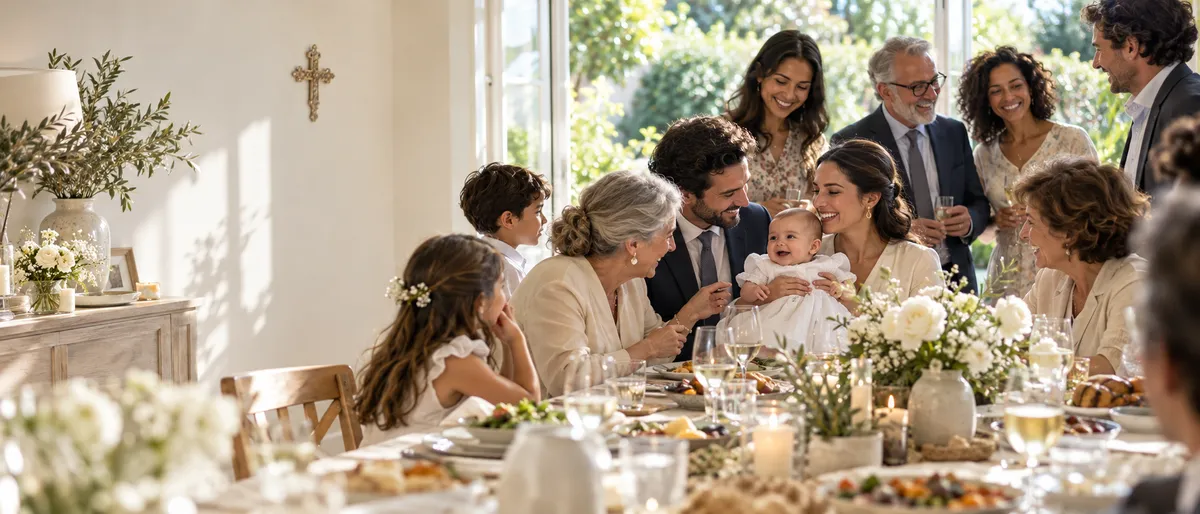
Religious celebration
Create an album for your family celebration and send its link or QR code to loved ones. They can add photos from a browser during the upload period, bringing different generations’ pictures together. Event also allows video uploads.

Baby shower
Fotelya gathers baby shower photos in a shared album. A QR code placed near the gifts lets family and friends share their pictures from a browser. The mum-to-be can then revisit the games, surprises and thoughtful details of the day.