Religious celebration
Family celebrations, gathered in one album.
Generations meet around the table. Bring pictures of the celebration together in a family album.
Create an album for your family celebration and send its link or QR code to loved ones. They can add photos from a browser during the upload period, bringing different generations’ pictures together. Event also allows video uploads.
Light combines the Classic palette with editorial typography. Its light tones and golden accents give the gallery and poster a warm setting for family photos, without prescribing a particular tradition.
- Warm
- Family
The Light design styles the gallery and poster. Choose your album design in the settings.
Your album, in every format
Mobile gallery
QR poster
Table card
Plans and pricing
Create your album on the free plan. Event adds the live wall, videos and a ZIP download. Your plan determines the retention period.
- Gallery via QR code
- Live wall · Event
- ZIP download · Event
- Free
- Free €0
- Time online 30 days
- Event
- Event €49
- Time online 6 months
- Storage 25 GiB
- Premium
- Premium €89
- Time online 12 months
- Pro
- Pro €39 per month
- Time online 3 months
The designs
Gathering family memories
At a family celebration, everyone sees the table from a different place and keeps some pictures on their phone. A shared gallery brings these fragments of the day together. Send the link to your family so they can contribute while uploads are open. Every family has its own traditions, and each generation brings memories of the gathering to the album.
How Fotelya works
Create and share the link
Create an album for your family celebration, then send the link or QR code to loved ones.
Collect the pictures
During the upload period, family members can add their chosen pictures from a browser.
Revisit the memories
Browse the family gallery and download its ZIP with Event. Keep a copy of these family memories.
What you get
- Shared photos: the group can gather pictures from the reunion and meal during the upload period.
- Gallery access: the QR code on the dining tables takes the family to the album.
- Live wall: with Event, you can show photos shared by loved ones on a screen.
Moments not to miss
Traditions look different in every family. A table, familiar gestures and a reunion tell the story of the day.
- Preparing the meal Recipes and skills are passed on in the kitchen.
- The laid table Dishes and chosen objects give the table its character.
- The reunion Arrivals bring together loved ones who may live far apart.
- The shared meal Every seat offers another view of the meal.
- Passing traditions on A family skill is shared between generations.
- The end of the day The last conversations extend the warmth of the reunion.
Make the link or QR code accessible in a way that respects your family’s customs.
How many photos to expect
The number of pictures varies with family habits. Invite everyone to choose the memories they would like to share.
Photo challenges
Around the meal and reunion, challenges give your family ideas for photographing the day. Share the ideas that suit your gathering.
- A memory dear to you
- A shared moment
- A flower, a candle, a gesture
- Loved ones gathered
Frequently asked questions
How can we invite the family to contribute?
Place the QR code near the table or send your family the guest link. They can open the gallery in a browser and add pictures during the upload period.
Can family members share videos too?
Yes. With the Event plan, family members can add videos as well as photos to the gallery while the upload period set for your album remains open. The same link opens the gallery.
Does the family need to download an app?
The link or QR code opens the gallery in a browser. Family members can select and upload photos from their phones without installing an application. The same link takes everyone to the gallery.
Can we add a code for family access?
You can add an access code if you wish. Share the code and link with your family members.
Can we create an album for each celebration?
You can create an album for each celebration. With Event, download its contents as a ZIP before the retention period for your plan ends.
You may also like
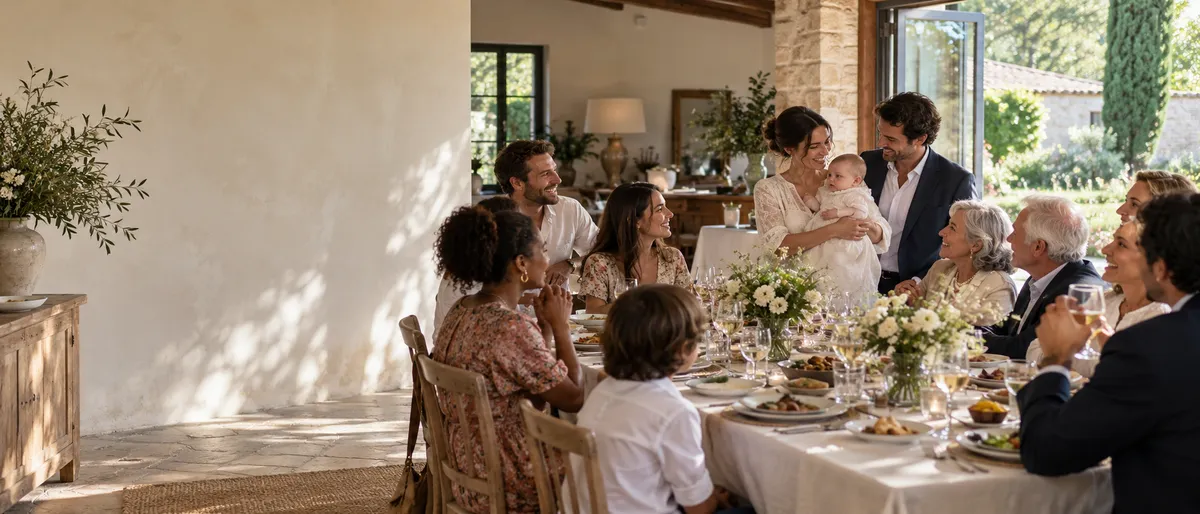
Christening
For a christening, Fotelya gathers photos of the ceremony and meal in a shared album. Send the link to family and friends or place a QR code on the table. Everyone can choose pictures to upload from their browser as the day unfolds.
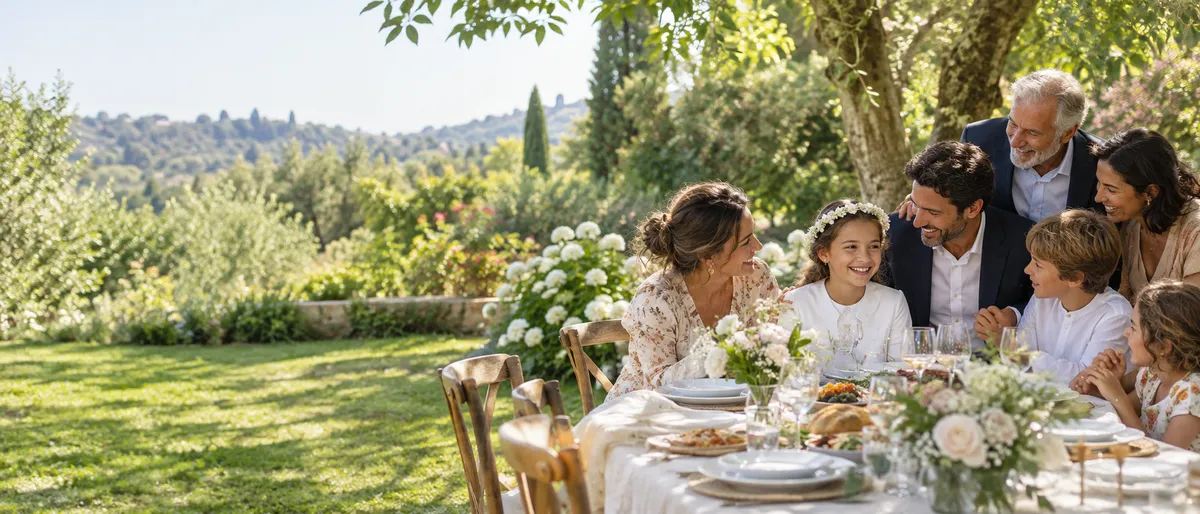
Communion
Create a shared album for your child’s communion and share its QR code with the family. Guests can add photos from their browsers, bringing ceremony and meal together. The Event plan also allows video uploads. The family can revisit the day together.

Bar and bat mitzvah
Fotelya gathers bar or bat mitzvah photos in a shared album. At the reception, guests scan a QR code to share pictures from their browsers. Family portraits and moments on the dance floor come together in one place. Guests choose which pictures to add.