The live photo wall, fed by all your guests.
Open a link on the screen already in the venue. Every photo a guest sends appears within seconds, as a polaroid, a mosaic or full screen. Nothing to install, nothing to rent.
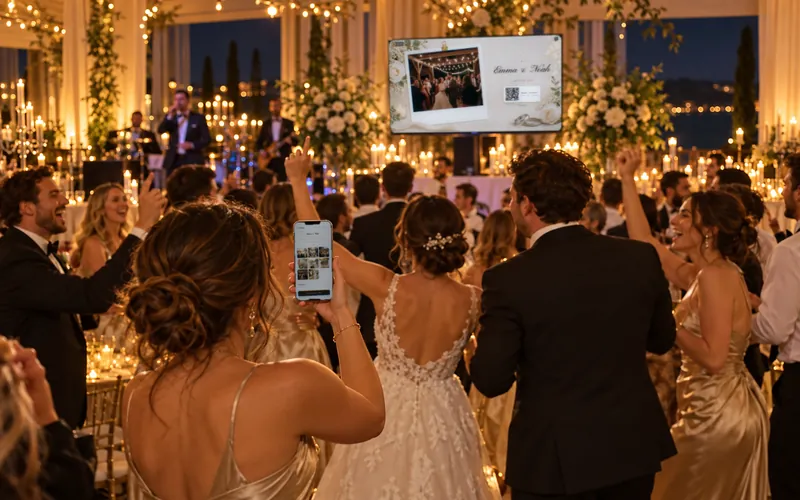
Illustration: generated scene, not contractual.
A real Fotelya wall, live, on this page.
The wall below is the demo album's: it fills up with the photos visitors send, and switches itself off when you leave the section.
Real product screenshots
Demo album open to everyone: added photos are deleted automatically after 2 hours. AI-generated illustrations.
Three steps, nothing complicated.
One screen, one link
Television, video projector or computer connected to the screen: you open the wall link in a browser, and that is all.
Your guests feed the wall
They scan the QR code, send a photo from their browser, and it appears on the screen within seconds.
You choose the mood
Polaroid, cinematic or mosaic, changeable during the party from your organiser space, without cutting the projection.
A screen that runs itself.
No hardware to rent
Nothing delivered, nothing to set up, nothing to return the next day.
The screen the venue already has
A television, a video projector, a computer: all you need is a browser.
Everyone takes part
From their seat, in the room or at the far end of the garden.
Moderation before the screen
Every image goes through automatic moderation, and you can remove any of them.
Several screens, several moods
With the Premium plan, each screen can show a different mood.
The full album at the end
Downloadable in original quality with the Event plan.
A screen that fills up, whatever the event.
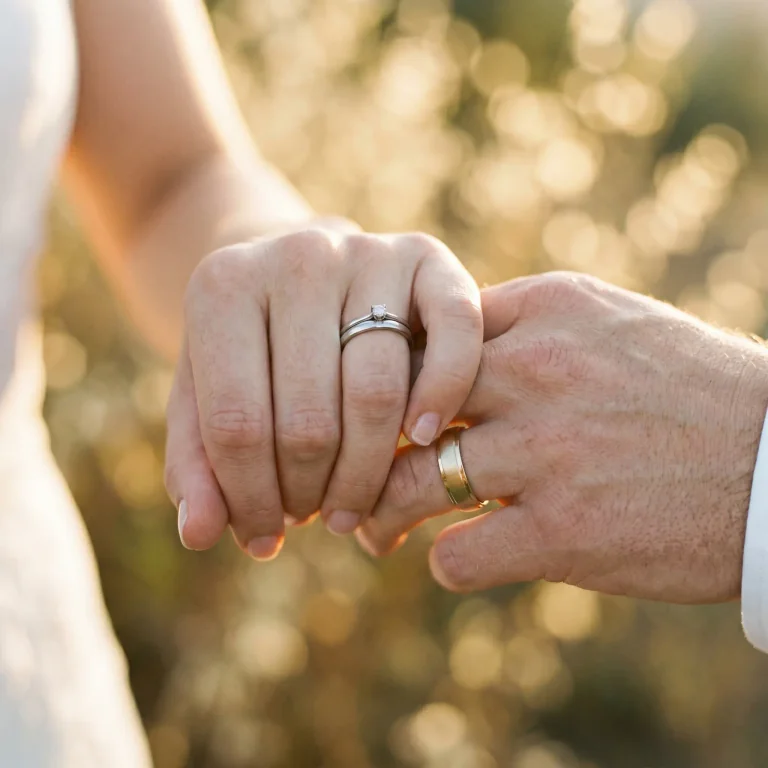

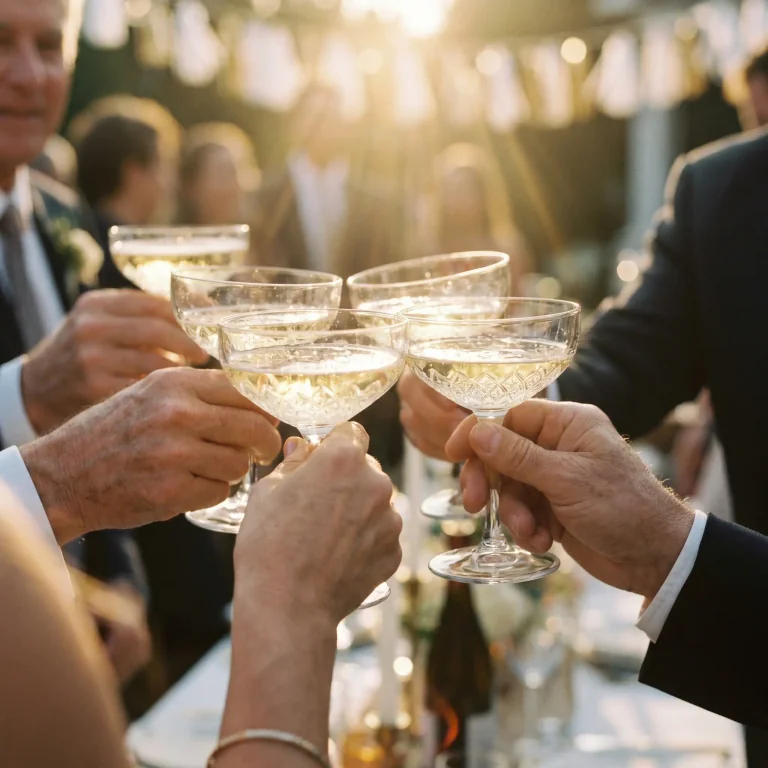
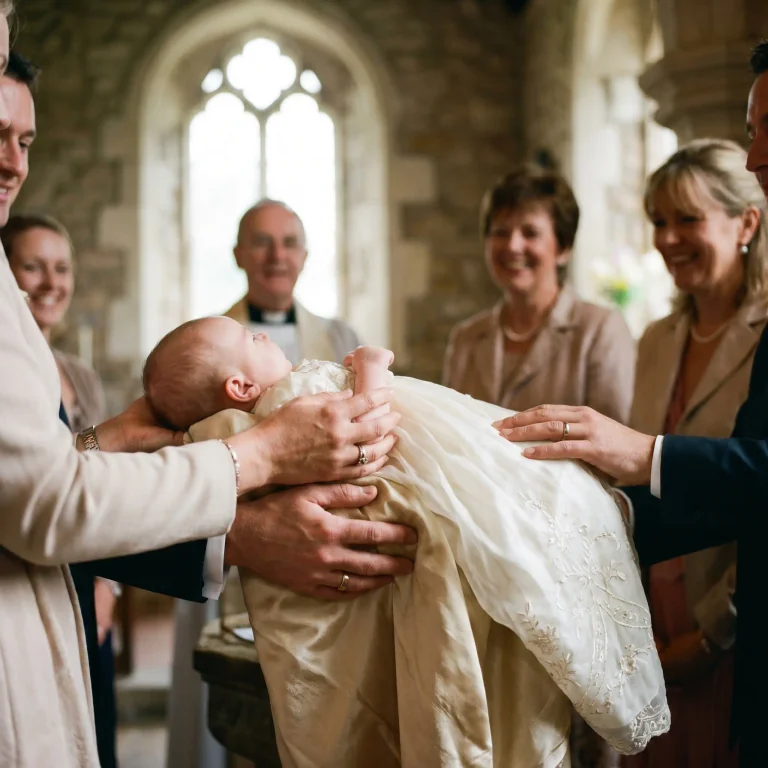
AI-generated visuals
With or without a screen, day or night. Everyone sends to the same place, and you get everything back in original quality.
The slideshow you prepared, or the party itself.
| Point | Slideshow prepared in advance | Live photo wall |
|---|---|---|
| What it shows | Photos from before | Photos from the party itself |
| Who joins in | No one | Every guest |
| Preparation | Hours of editing | One link to open |
| During the party | Frozen | Renews with every upload |
| After | The same file | Everyone's album |
A childhood photo slideshow has its moment at speech time; the live wall takes over for the party.
What people say, without rewriting it.
« La diffusion des photos en direct sur les écrans a apporté l'effet "waouh". »
Review written in French.
Alex D · 5 out of 5 stars · Corporate farewell party
The questions we get asked.
What screen do I need?
Is the wall included in the free plan?
How long between the upload and the display?
Can I change the mood during the party?
What if a photo should not appear on screen?
Does the wall work if the venue network is weak?
Can I display the wall on two screens?
The other product pages, and what you need to prepare the projection.
Digital guestbook
Your guests' messages, written and spoken, all in one place.
Wedding QR code photo sharing
One QR code, and every wedding photo and video in one place.
Photo booth alternative
Your guests' phones instead of a booth, with nothing to rent.
To prepare the party: setting up the wall: screen, position, timing and projecting on a TV or a video projector. To feed the screen: photo challenges to fill your wall, free and ready to print.
Switch the screen on, the party is on it.
Create my album for freeNo credit card to get started. Plans and their amounts are on the pricing page.