Photo album · Birthday
Enjoy your party. Your guests make the album.
Be present for the celebration, then discover the pictures your guests chose to share.
Fotelya brings your guests’ photos together in a shared album, accessible via a QR code. Put it near the cake so everyone can share pictures from their browser. The Event plan adds videos and a live wall to the celebration.
Confetti brings a festive feel to your album with a cream background, coral accents and a Fraunces title. For a more dressed-up evening, Black & Gold offers a dark background and golden lettering. Both designs carry through to the gallery and poster.
- Festive
- Party
The guest gallery and QR poster carry the look of the design you choose for your party.
Your album, in every format
Mobile gallery
QR poster
Table card
Plans and pricing
Start your album on the free plan. Event adds guest videos, the live wall and a ZIP download of your album.
- Gallery via QR code
- Live wall · Event
- ZIP download · Event
- Free
- Free €0
- Time online 30 days
- Event
- Event €49
- Time online 6 months
- Storage 25 GiB
- Premium
- Premium €89
- Time online 12 months
- Pro
- Pro €39 per month
- Time online 3 months
The designs
Black & Gold
The host’s dilemma
At a party, guests photograph reunions, candles and conversations. Those pictures often end up scattered across their phones. A shared album gives everyone a place to add the photos they want to share, so you can revisit the celebration from different perspectives. Portraits and table details sit alongside group pictures, ready for you to discover after the party.
How Fotelya works
A QR code on the table
Create your album and place its QR code near the cake, bar or buffet for guests to scan.
Guests share their photos
Guests scan the QR code and share photos from their browser. The Event plan also lets them upload videos.
Bring photos to the screen
With the Event plan, the live wall shows photos on a screen during the party. Guests can enjoy their shared pictures together.
What you get
- Shared album: guests can add photos of the candles and reunions to the gallery during the upload period.
- Easy access: a QR code beside the cake takes guests to the gallery.
- On screen: the Event plan lets you show photos from the speeches on the live wall.
Moments not to miss
From the first arrivals to the candles, every guest can capture a different part of the celebration.
- Guests arrive Reunions and gifts, often before the host has time to take out a phone.
- The cake and candles A fleeting moment seen from every side while you are busy making a wish.
- Speeches and surprises Words and reactions that belong to this particular evening.
- Later in the evening Relaxed photos that might otherwise never be sent around.
- Catching up Conversations resume, groups gather and friends pose together.
- The end of the party A final toast, the decorations and tired smiles tell their own part of the story.
Place the code near the cake so guests can find it throughout the party.
How many photos to expect
The number of photos depends on your guests and how much they choose to share. Check the storage included in your plan against the files you hope to collect.
Photo challenges
From a selfie with the guest of honour to a burst of laughter, challenges give your guests ideas for their photos.
- A selfie with the guest of honour
- The dance floor on fire
- A toast raised high
- The most stylish outfit
- A group photo full of energy
- The laugh of the night
Frequently asked questions
How do I collect my guests’ photos?
Create your album and display the QR code so guests can share their pictures. The Event plan lets you download the album as a ZIP. Guests choose which pictures to add.
Can I show the live wall on a television?
The live wall is included with the Event plan. Open it in a browser on a suitable screen. You will need a suitable connection for the screen. Prepare it before the party begins.
Do guests need to create an account?
No account or app is needed. Guests scan the code, choose photos on their phone and upload them from their browser while the album is open for contributions.
Can I remove a photo I do not want to keep?
Yes. As the organiser, you can moderate the album and remove a photo before or after the party.
Where should I put the QR code at my party?
Near the cake, at the entrance or on a table: choose a place where guests can see and scan it easily. You can also share the album link.
You may also like
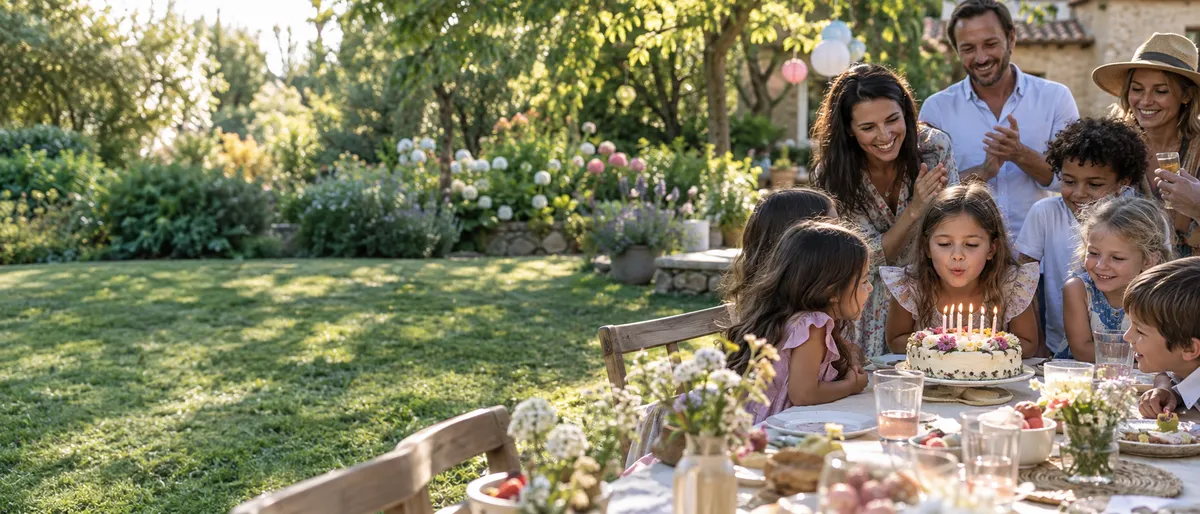
Children’s birthday
For your child’s birthday party, Fotelya brings parents’ photos together in a shared album. Place the QR code near the table so they can share pictures from their browsers. You can then revisit the games and the candles from different perspectives.

Themed party
Create a Fotelya album for your themed party and share its link or QR code. Guests in costume can upload photos from a browser during the upload period, bringing portraits and details of the decorations together in one gallery.
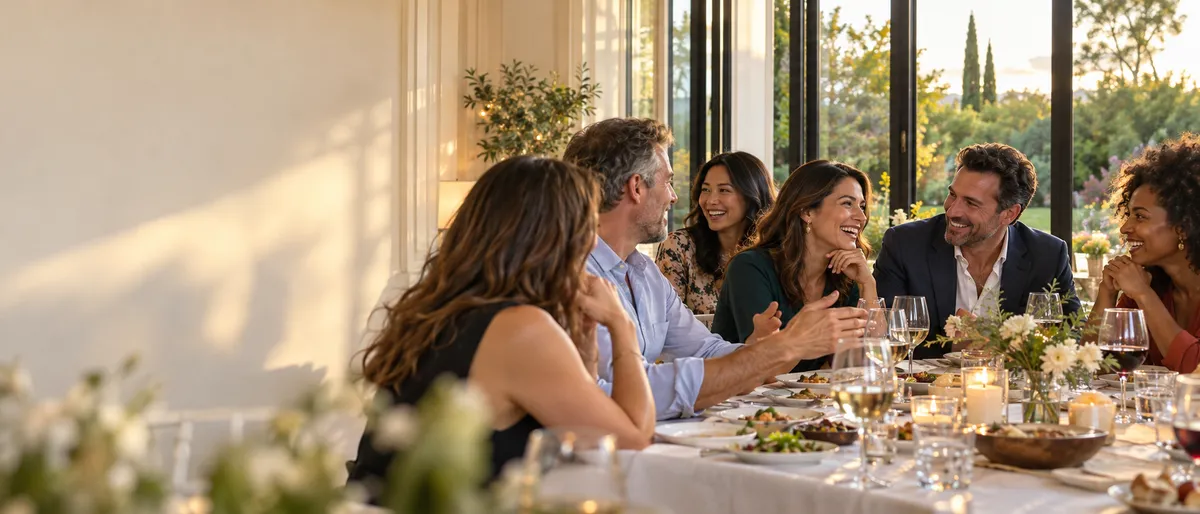
Reunions
For a family or friends’ reunion, create a Fotelya album and share its link or QR code. Loved ones can upload photos from a browser during the upload period. Digitised archive pictures can join the photos taken on the day.