One QR code, and every photo from your wedding in one place.
Put the QR code on the tables, the menu or a poster. Your guests scan, send their photos and videos from their browser, and the album fills up during the party. You get everything back, in original quality.
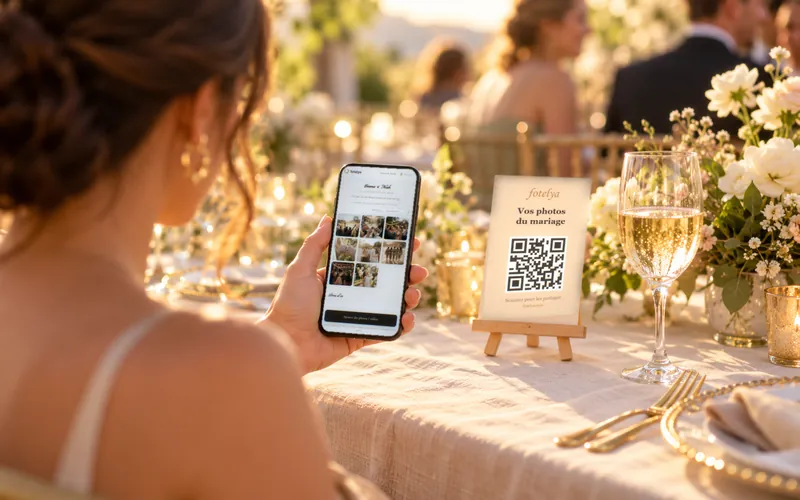
Illustration: generated scene, not contractual.
The whole journey, and the real renders.
The demonstration shows the album, the scan and the wall; the four themes below are the real renders of the poster and the gallery.


Real product screenshots
The film and the four themes are the product's own, exactly as they appear in your space.
Three steps, nothing complicated.
Create the album, the QR code is ready
Event name, theme, colours; the QR poster and the table cards are generated in your space, matching the theme.
Your guests scan
From the phone camera, with no app and no account; they send photos and videos, in their own language.
The album fills up, you get everything back
In real time during the party, then the full album in original quality, to download in one go with the Event plan.
One album, for the whole wedding.
No app, no account
The phone camera reads the QR code, and the sharing happens in the browser.
Photos and videos in original quality
No compression on the way: your guests send the file exactly as it was taken.
Private by default
Access by QR code or link, optional PIN code, private mode available.
Hosted and encrypted in Europe
Photos and videos stored in the European Union, encrypted at rest and in transit.
Works even on a weak network
The photos wait on the phone and go on their own when the network comes back.
Deleted at the end date
Kept for the length of your plan, then permanently deleted; you are warned one week before.
The same gesture, for every moment people photograph.



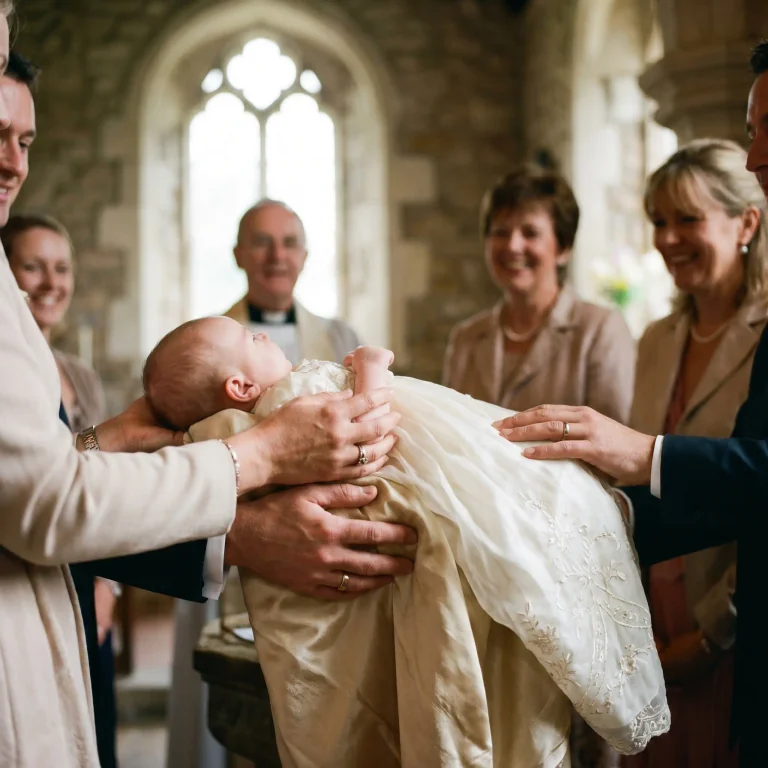
AI-generated visuals
With or without a screen, day or night. Everyone sends to the same place, and you get everything back in original quality.
The group chat, or a single album.
| Point | Group chat or shared folder | QR code album |
|---|---|---|
| Quality | Compressed | Original |
| Who gets in | Those who have the number or the account | Anyone who scans |
| Order | Mixed in with conversations | One album, sorted |
| Privacy | Depends on the service | Access by QR or link, PIN, EU hosting |
| After the party | To piece back together | One download |
The group chat keeps its role for invitations and thank-yous; the photos need a single place.
What people say, without rewriting it.
« Simple, efficace et beau ! »
The title of her review, published as written.
Review written in French.
Caroline H · 5 out of 5 stars
The questions we get asked.
Where should the QR code go on the day?
Do my guests have to install anything?
Are videos accepted?
Who can see the photos?
What if the network is bad in the room?
How do I get the album back?
How long does the album stay online?
The other product pages, and the QR code guides.
Digital guestbook
Your guests' messages, written and spoken, all in one place.
Live photo wall
Your guests' photos on the venue screen, within seconds.
Photo booth alternative
Your guests' phones instead of a booth, with nothing to rent.
Going further: the complete guide to the wedding QR code and what the free plan lets you do. The poster can also be prepared with generate a free QR poster, with no sign-up.
A QR code on the table, the album in your pocket.
Create my album for freeNo credit card to get started. Plans and their amounts are on the pricing page.