Photo album · Gender reveal
The surprise and your loved ones’ reactions, together.
Before and after the reveal, your guests capture different moments. Bring their pictures together in one album.
Create an album for your gender reveal and send its link or QR code to family and friends. Guests can add photos from a browser during the upload period. Choose Event if you would also like to collect videos of their reactions.
Pastel combines a rose palette with rounded lettering. Its festive mood frames pictures of the anticipation, the reveal, the reactions and the rest of the day. The design carries through to the gallery and poster for the celebration.
- Festive
- Kids
The Pastel design styles the gallery and poster. Choose your album design in the settings.
Your album, in every format
Mobile gallery
QR poster
Table card
Plans and pricing
Create your album on the free plan. Choose Event for videos, the live wall and a ZIP download. Online retention depends on your plan.
- Gallery via QR code
- Live wall · Event
- ZIP download · Event
- Free
- Free €0
- Time online 30 days
- Event
- Event €49
- Time online 6 months
- Storage 25 GiB
- Premium
- Premium €89
- Time online 12 months
- Pro
- Pro €39 per month
- Time online 3 months
The designs
Capturing a fleeting moment
At the moment of the surprise, reactions happen in several places at once. Guests can photograph them from different angles and share their pictures in a common album. Preparations and conversations after the reveal also tell the story of the day. Sending the link to your guests gives everyone one place to gather these memories and revisit them together.
How Fotelya works
Create and share the link
Create an album for your gender reveal, then send the link or QR code to family and friends.
Collect the pictures
While uploads are open, participants can add photos directly from their browsers.
Revisit the memories
See the reactions in the gallery and download the ZIP with Event. Shared pictures tell the story of the rest of the party.
What you get
- Shared album: guests can add pictures of the surprise and reactions during the upload period.
- Gallery access: the QR code on the party table takes guests to the gallery.
- On screen: the Event plan lets you show photos of guests’ reactions on the live wall.
Moments not to miss
Before the reveal, everyone waits in their own way. Reactions and conversations afterwards tell the story too.
- The preparations Details prepared before guests arrive capture the anticipation.
- The guesses Guests share their predictions in conversation.
- The anticipation All eyes turn to the moment everyone has been waiting for.
- The reveal Everyone hears the news from their own spot.
- The reactions A smile or an embrace captures the surprise.
- After the surprise Conversations carry on after the announcement.
Share the QR code before the surprise so guests know where to add their pictures.
How many photos to expect
Everyone chooses what to photograph. Invite guests at your gender reveal to select the memories they would like to share.
Photo challenges
Before or after the reveal, challenges invite guests to look for details and portraits to share.
- The brightest smile
- The cake, before and after
- A moment of play
- A family photo
- The cutest decoration
- A candid moment
Frequently asked questions
When should we share the link with guests?
Give guests the link or QR code before the reveal. They can open the gallery in their browser and add pictures of the surprise during the upload period.
Can guests upload videos of the reveal?
Yes, the Event plan allows guests to upload videos. Photos can also be added to the gallery during the upload period. Guests choose which pictures and videos to share.
How can guests join without an app?
Guests can open the gallery link or scan its QR code, then select and upload pictures in their browser. There is no app to install before the celebration.
How can we limit access to guests?
You can add an optional code. Share the link and code with the guests concerned.
How can we collect reactions after the reveal?
Invite guests to add their photos to the gallery. The Event plan also lets them share videos from the party.
You may also like

Baby shower
Fotelya gathers baby shower photos in a shared album. A QR code placed near the gifts lets family and friends share their pictures from a browser. The mum-to-be can then revisit the games, surprises and thoughtful details of the day.

Christening
For a christening, Fotelya gathers photos of the ceremony and meal in a shared album. Send the link to family and friends or place a QR code on the table. Everyone can choose pictures to upload from their browser as the day unfolds.
Children’s birthday
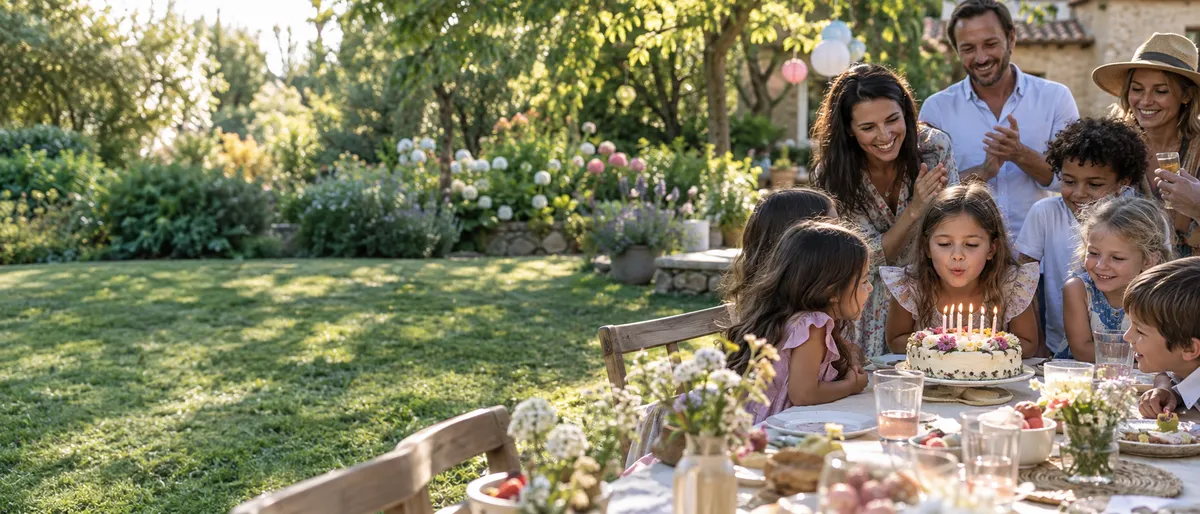
For your child’s birthday party, Fotelya brings parents’ photos together in a shared album. Place the QR code near the table so they can share pictures from their browsers. You can then revisit the games and the candles from different perspectives.