Photo album · Themed party
Your themed party, through your guests’ eyes.
From the first arrival to the last dance, gather the costume photos your guests choose to share.
Create a Fotelya album for your themed party and share its link or QR code. Guests in costume can upload photos from a browser during the upload period, bringing portraits and details of the decorations together in one gallery.
Masquerade combines a night palette with festive lettering. Dark tones frame costume portraits, while the gallery and poster carry the same look through the party. The design carries through to the gallery and poster for the evening.
- Festive
- Party
After creating the album, choose a design for the gallery and QR poster to place near the entrance.
Your album, in every format
Mobile gallery
QR poster
Table card
Plans and pricing
Start preparing your themed party with the free plan. Event adds videos, the live wall and a ZIP download for party pictures.
- Gallery via QR code
- Live wall · Event
- ZIP download · Event
- Free
- Free €0
- Time online 30 days
- Event
- Event €49
- Time online 6 months
- Storage 25 GiB
- Premium
- Premium €89
- Time online 12 months
- Pro
- Pro €39 per month
- Time online 3 months
The designs
Remembering a costume party
A carefully prepared outfit, an unexpected accessory, a transformed corner of the room: the theme comes alive in the details. Everyone discovers the party from a different angle and keeps their own pictures. In a shared album, guests can bring together the photos they want to show and see costumes they missed. Portraits sit alongside details of the setting.
How Fotelya works
Prepare the album QR code
Create your album and place its QR code near the entrance so guests can find it.
Invite guests to contribute
During the upload period, guests can add costume portraits from their browsers. The gallery opens directly on their phones.
Find the pictures together
With Event, download pictures of costumes and decorations as a ZIP archive. Keep a copy of the archive.
What you get
- Shared photos: the group can gather costume and reunion pictures during the upload period.
- Gallery access: guests scan the QR code at the party venue.
- Live wall: with Event, you can show pictures from the celebration on a screen.
Moments not to miss
The theme emerges in the outfits, accessories and moments of the party.
- Costumes on arrival The first outfits set the tone for the party.
- Accessories A close-up reveals a carefully chosen detail.
- The decorations A table or corner of the room extends the theme.
- Portraits in pairs Two guests pose in character.
- The dance floor Silhouettes mingle under the lights.
- The end of the party A final portrait preserves a memory of the masks.
Put the QR code at the entrance, where guests see the first costumes.
How many photos to expect
The space used by costume and decoration photos varies with contributions. Check your plan’s storage allowance before preparing the album.
Photo challenges
Festive challenges suggest portraits and photos for guests to take throughout the evening.
- A selfie with the guest of honour
- The dance floor on fire
- A toast raised high
- The most stylish outfit
- A group photo full of energy
- The laugh of the night
Frequently asked questions
How can we share costume portraits?
Party photos can be uploaded to the gallery during the upload period. With Event, the organiser can download the album as a ZIP to keep pictures of costumes and decorations.
How can our guests access the gallery?
Send participants the link or place the QR code near the costumes. Everyone opens the gallery in a browser and chooses pictures during the upload period.
Can we show party photos on a screen?
With Event, open the live wall on the venue’s screen to show pictures guests have shared. Prepare the screen connection before guests arrive. Guests choose the photos they share.
How can we protect access to party photos?
Share the link only with invited guests and, if you wish, add an access code to the gallery.
Can guests add portraits after the party?
Portraits can still be added after the party while uploads remain open. The same link takes guests back to the gallery.
You may also like

Birthday
Fotelya brings your guests’ photos together in a shared album, accessible via a QR code. Put it near the cake so everyone can share pictures from their browser. The Event plan adds videos and a live wall to the celebration.

New Year’s Eve
Create a Fotelya album before your New Year’s Eve guests arrive and share its QR code. Everyone can upload photos from a browser during the upload period. Event adds video sharing and a live wall for the evening. The shared gallery brings the evening’s perspectives together.
Club and festival
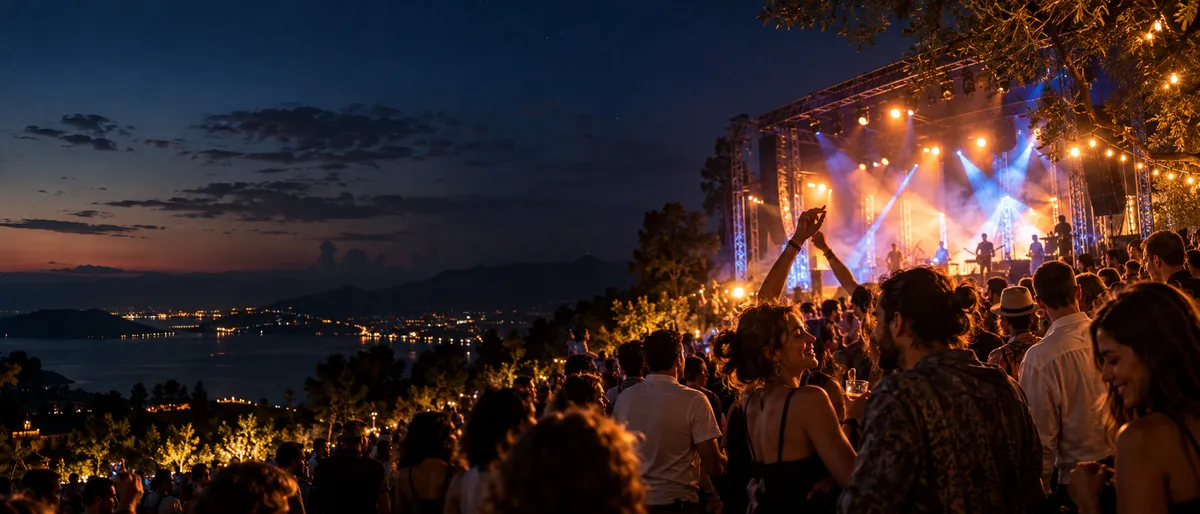
Create an album for your club or festival where the audience can upload photos from a browser. Share its link or place the QR code near the entrance. The Event plan also gives access to videos and the live wall. Visitors choose what to share.