Photo album · Bar and bat mitzvah
A bar or bat mitzvah, celebrated by the whole family.
Family and friends come together for a meaningful milestone. Gather their perspectives on the reception.
Fotelya gathers bar or bat mitzvah photos in a shared album. At the reception, guests scan a QR code to share pictures from their browsers. Family portraits and moments on the dance floor come together in one place. Guests choose which pictures to add.
Star combines a night palette with serif lettering and a festive mood. Its design carries through to the poster and wall, framing the photos and the name of the person being celebrated. The same design accompanies the gallery and poster.
- Festive
- Family
The Star gallery and poster carry the design’s mood through to the reception.
Your album, in every format
Mobile gallery
QR poster
Table card
Plans and pricing
Start the album on the free plan. Event adds the live wall, guest videos and a ZIP download of your memories.
- Gallery via QR code
- Live wall · Event
- ZIP download · Event
- Free
- Free €0
- Time online 30 days
- Event
- Event €49
- Time online 6 months
- Storage 25 GiB
- Premium
- Premium €89
- Time online 12 months
- Pro
- Pro €39 per month
- Time online 3 months
The designs
Keeping a large celebration together
A bar or bat mitzvah brings together close family, friends and often loved ones from abroad. For some it may be a rare chance to meet. Everyone sees the ceremony differently, while many moments unfold at once during the reception. A shared album brings their pictures together for the young person to revisit in years to come, from family portraits to the dancing.
How Fotelya works
A QR code on every table
Create the album and place its QR code on the reception tables and by the photo booth.
Guests share their pictures
Guests scan the code and share photos. The Event plan also allows video uploads.
Show photos on the live wall
With the Event plan, open the live wall on a screen to show pictures from the reception.
What you get
- Shared album: guests can add ceremony and party photos during the upload period.
- Gallery access: the QR code on the dining tables takes guests to the album.
- On screen: the Event plan lets you show family photos on the live wall.
Moments not to miss
A bar or bat mitzvah brings together a religious ceremony and a celebration, each with its own atmosphere.
- The ceremony The reading, captured respectfully by family where photography is permitted.
- Family portraits Generations together, perhaps on a rare occasion.
- Dinner and speeches Words shared with the young person to remember later.
- The dancing The energy of friends on the dance floor.
- Getting ready Before guests arrive, final preparations and details of the outfit capture the anticipation.
- Friends at the table Keep a picture of friends gathered around the person being celebrated during the meal.
Place posters at the entrance to the reception and near the dance floor so guests can find the gallery.
How many photos to expect
The number of photos depends on how much people choose to share. Choose your plan according to the space needed for the files you want to collect.
Photo challenges
At the table or on the dance floor, challenges suggest faces and gestures for guests to capture.
- The brightest smile
- The cake, before and after
- A moment of play
- A family photo
- The cutest decoration
- A candid moment
Frequently asked questions
Can family members abroad take part?
Send distant relatives the link so they can open the gallery in a browser. If the guestbook is enabled, they can also leave a written message for the family.
Can we use the live wall at our venue?
The Event plan includes the live wall. You need a screen that can open its address in a browser and a suitable connection. Check the venue connection before the reception.
Do our guests need to install an app?
The gallery opens in a browser from the QR code. If you have added an access code, guests will need to enter it too. Share that code with those invited.
Is the album private?
Guests access the gallery through the link or QR code you share. You can add an optional access code.
How can guests share reception photos?
Place the QR code on the tables or near the dance floor. Guests can scan it and add their chosen pictures from their phones while uploads are open.
You may also like
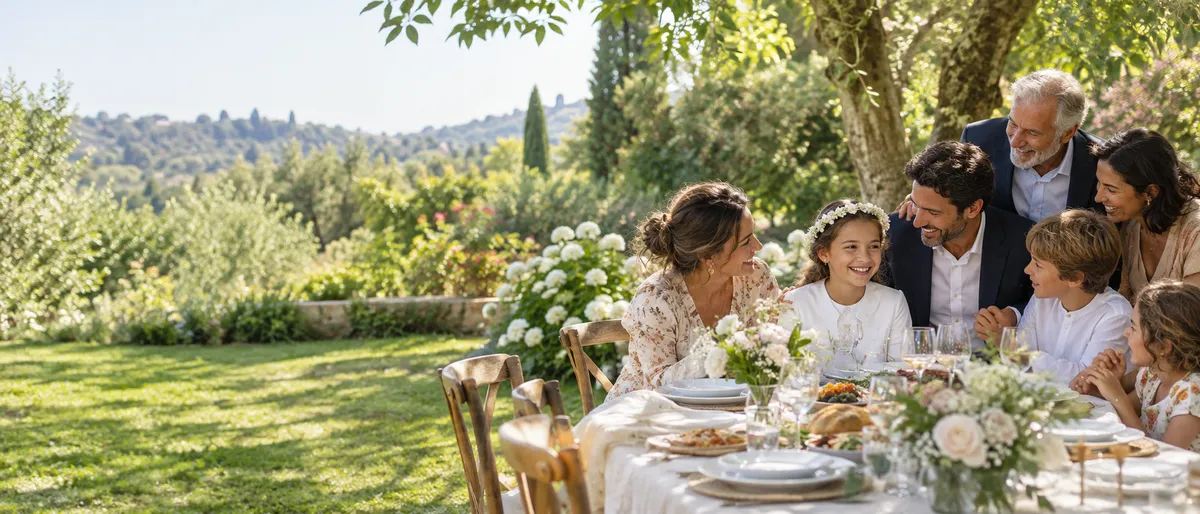
Communion
Create a shared album for your child’s communion and share its QR code with the family. Guests can add photos from their browsers, bringing ceremony and meal together. The Event plan also allows video uploads. The family can revisit the day together.
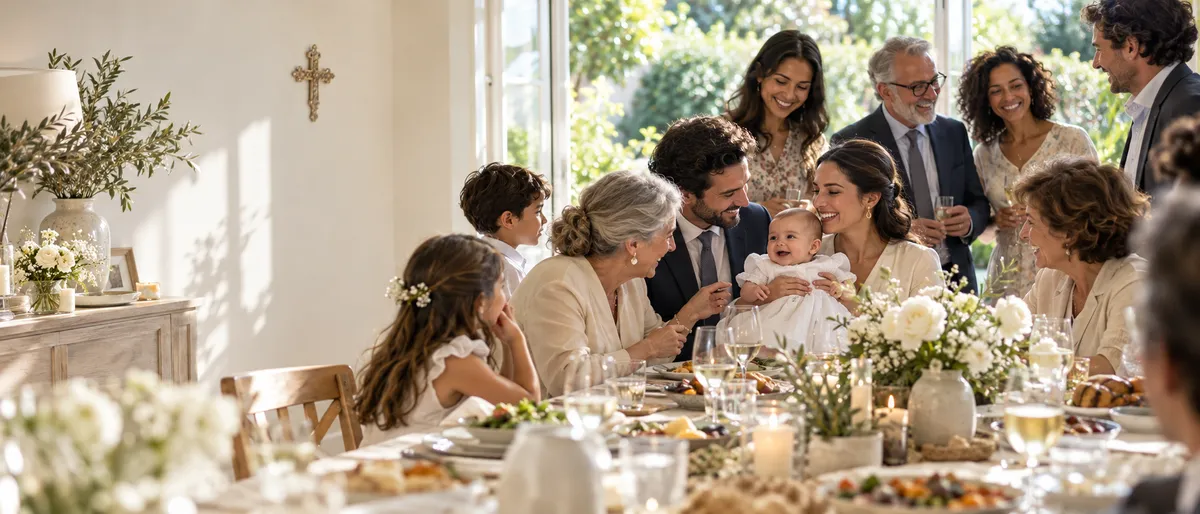
Religious celebration
Create an album for your family celebration and send its link or QR code to loved ones. They can add photos from a browser during the upload period, bringing different generations’ pictures together. Event also allows video uploads.
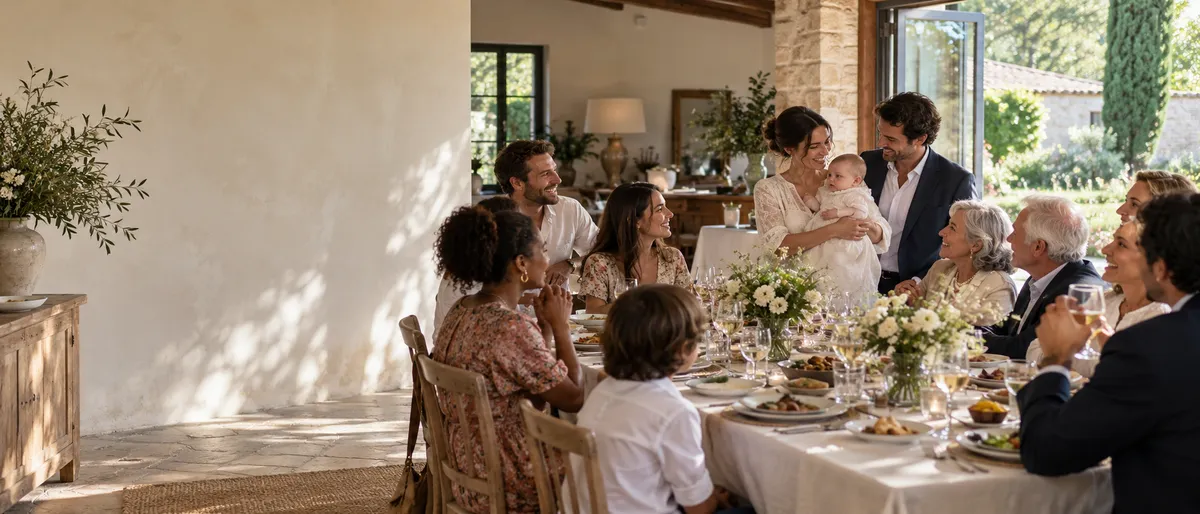
Christening
For a christening, Fotelya gathers photos of the ceremony and meal in a shared album. Send the link to family and friends or place a QR code on the table. Everyone can choose pictures to upload from their browser as the day unfolds.